
You can use ChatGPT on your phone through OpenAI’s official app or by opening chatgpt.com in a browser. Sign in with the account you use on your computer to find your saved conversations. The official app is free to download; a paid subscription is not required to install it.
Both options are subject to OpenAI’s regional availability rules. Mainland China is currently absent from its supported list, and using a browser does not change that. Installation errors, failed sign-ins, regional notices, and account suspensions need different responses.
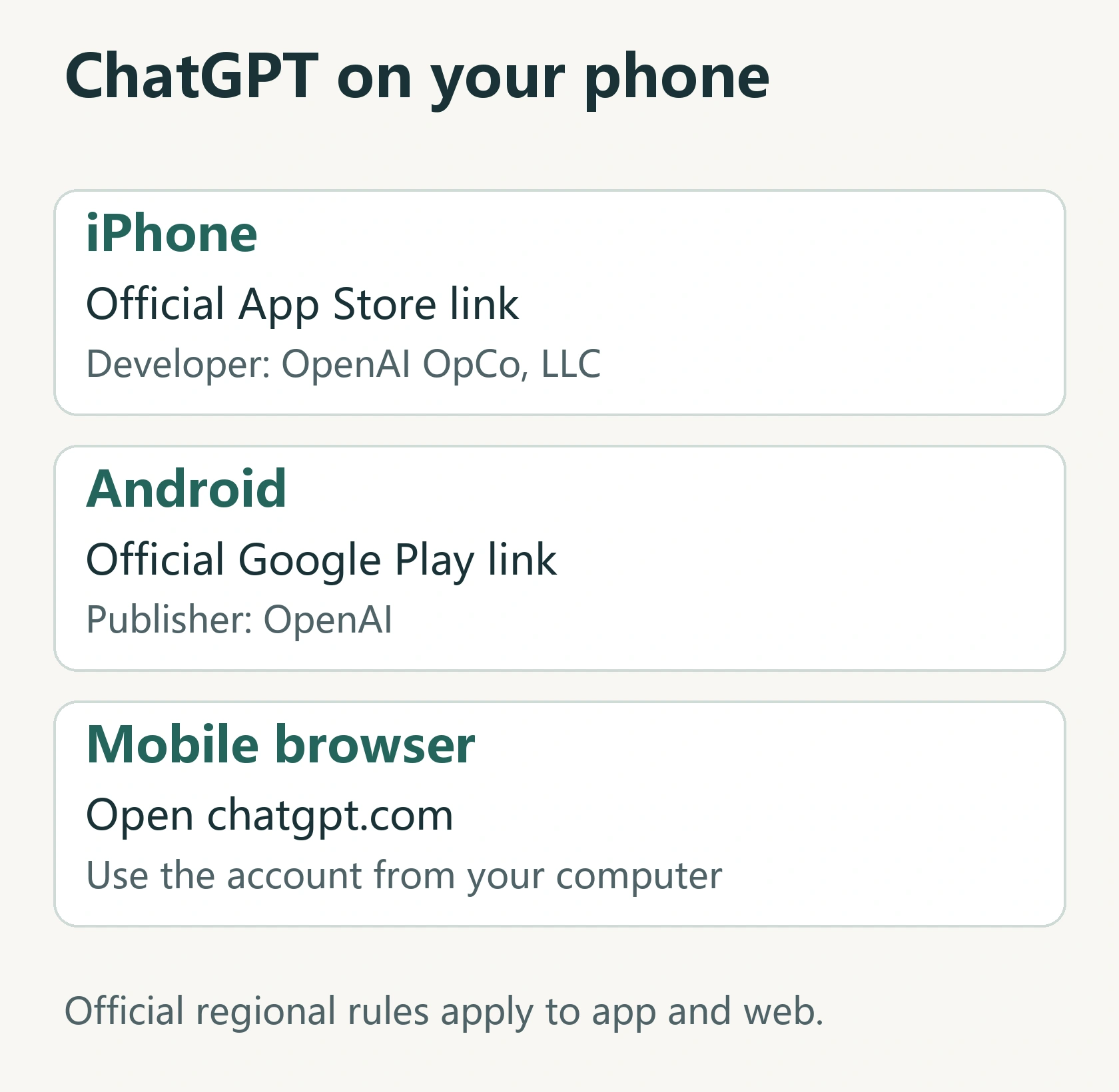
Get the official iPhone or Android app
The official ChatGPT download page links to the App Store and Google Play. On iPhone, the developer is OpenAI OpCo, LLC. On Android, the publisher is OpenAI. Another app with “ChatGPT” in its name may come from a different company.
After signing in, type a message. To work with a photograph, add it through the attachment control. For a supplier’s quotation, try: “Copy the line that includes freight. Keep the currency and unit exactly as printed.” Check whether the original price is per item or per carton before using the figure.
A mobile browser also works for text conversations when installing an app is inconvenient. Saved chats sync across devices signed in to the same account. If a draft is missing, check the account and workspace, then search for words from the conversation. An older chat may no longer appear in the sidebar. Subscriptions also belong to the account that purchased them, so check that account before paying again. OpenAI’s mobile guide
An iPhone can find the app but still fail to install it
The US App Store currently requires iOS 18.0 or later. An iPhone running iOS 17 does not meet that minimum. If you cannot update the phone, Safari provides browser access in a supported region. This requirement was checked against the App Store listing on November 28, 2026, and may change with later releases.
“Verification required” or a “billing problem with a previous purchase” is a separate issue. Apple says a valid payment method can be required even for a free download. An outstanding Apple Account transaction needs to be resolved with Apple; buying ChatGPT Plus will not clear it. Apple’s download troubleshooting guide
Android sign-in can fail while the browser works
The Android app uses a browser during sign-in. OpenAI currently supports Chrome and Brave for that flow. If the sign-in page will not open or complete, its guidance is to install or update Chrome and set it as the default under Settings → Apps → Default apps → Browser app, then retry ChatGPT. Menu names vary by phone manufacturer.
Use the authentication method associated with the account. An account created through Google should use Continue with Google; the same principle applies to Apple and Microsoft sign-in. A different method can produce an authentication mismatch. OpenAI’s sign-in guidance
A November 2024 community report describes a Google account that worked in a browser but not in the Android app. Community report
A connection error can affect one conversation
On November 11, 2026, an Android user reported that a long conversation would not load in the app on either Wi-Fi or mobile data. The same conversation opened in a browser on the same phone. A community support reply the following day advised using the browser temporarily and adding the failure time and conversation URL to a private support request. Report and support replies
If you need something from a conversation urgently, try opening that same chat in your phone’s browser. A connection-error message alone does not distinguish a network problem from a sign-in check or a failure to load one conversation.
If verification fails only on office Wi-Fi while mobile data works, the office network is part of the investigation. OpenAI’s sign-in guide also explains how cookies, JavaScript, and content-blocking tools can affect verification. For problems affecting both the app and website, check OpenAI Status for reported incidents.
Support can use the phone model, operating system and app versions, exact error, time of failure, and results from the browser and both networks. Reinstalling the app does not remove account restrictions or reset usage limits. Mobile troubleshooting
An unsupported-country notice concerns regional access
OpenAI’s supported-country list covers ChatGPT on both web and mobile. As of November 28, 2026, mainland China is not listed. Downloading and installing the app does not establish that service is available at your location. OpenAI states that accessing or offering access outside the listed locations may result in an account being blocked or suspended.
Someone who has returned to a supported location after traveling may still see an old region notice. OpenAI suggests clearing browser cookies and cache, or trying a private window or another browser. These steps apply when the person is already in a supported location; they do not change the service’s coverage.
Account restrictions have their own appeal process
An account warning, temporary suspension, and permanent closure are different states. OpenAI says a warning alone does not mean an account has been suspended. The notification explains any restriction and the next steps.
To dispute a suspension or closure, use the appeal link in the notification for that decision. If you have lost access without receiving an email, contact Support through the OpenAI Help Center. Include when the problem occurred, relevant account activity, and why you believe the decision was mistaken. Downloading the app again does not replace an appeal. Account notices and appeals
Use several model families from one mobile interface
Drafting a reply, translating a document, or reviewing a quotation does not always require the official ChatGPT app. You might want GPT’s draft and Claude’s wording for the same email, then use Gemini or DeepSeek for another task. Separate apps bring separate accounts and conversation histories.
JuheNext Agent puts those tasks in one chat interface. Open the site in your mobile browser, sign in to a JuheNext account, and add a model API key that the service accepts. The key is a credential for model access and credit. The platform configures the endpoint, so you do not need to enter a Base URL.
- Open API Key in the sidebar and add a key. A key already saved on your computer can be selected under the same account.
- Select the model name at the top of the chat. Available options depend on the key and current catalog, and may include GPT, Claude, Gemini, and DeepSeek models.
- Start a conversation and send a message. To compare two models, use separate new chats with the same material and instructions.
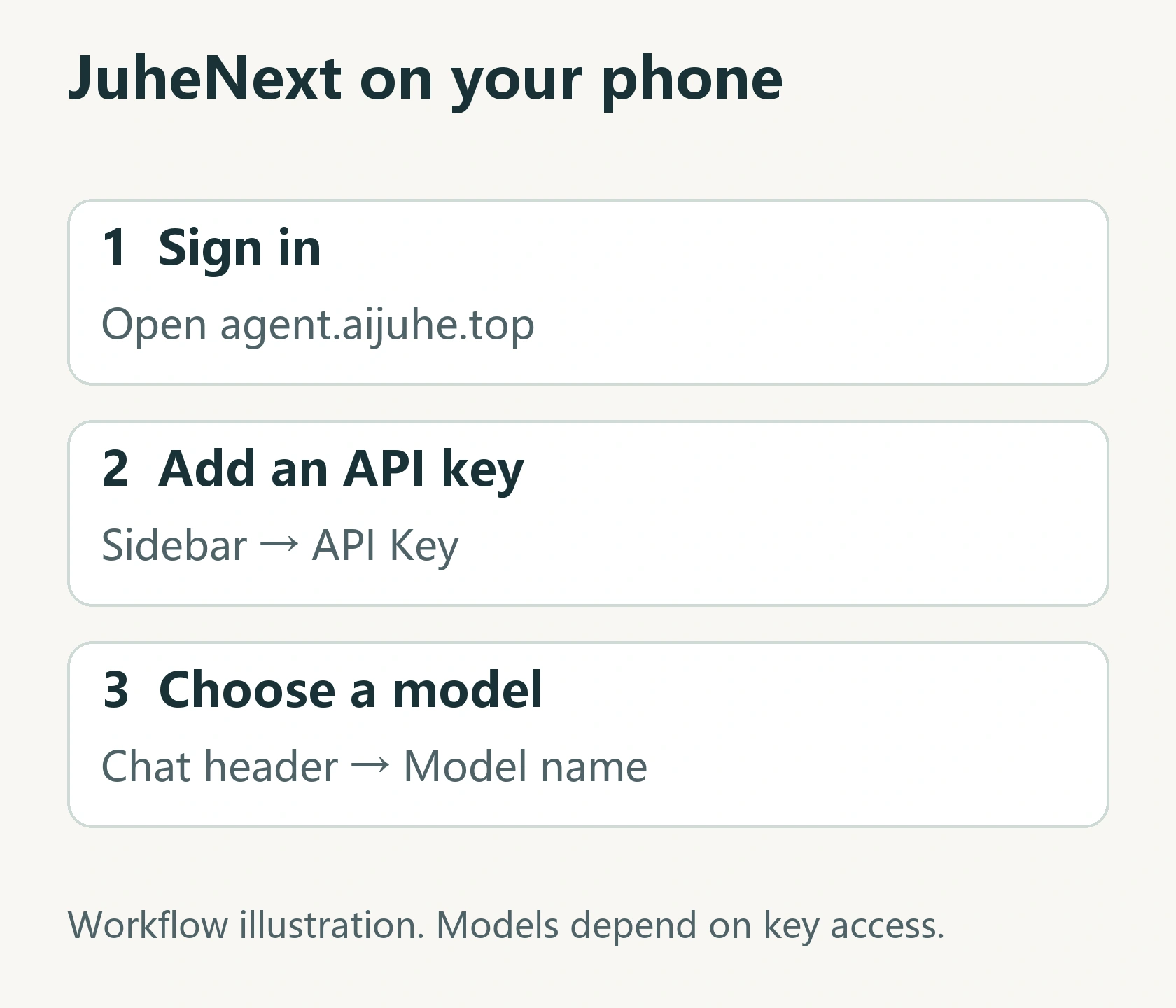
Workflow illustration based on product documentation, not an interface screenshot.
You do not provide a personal ChatGPT account or password, and JuheNext does not depend on that account being signed in. A personal ChatGPT suspension therefore does not have to stop a new task using a JuheNext account and separate model credit. Existing ChatGPT conversations do not transfer automatically. JuheNext, the key provider, and upstream services have their own usage rules.
JuheNext has a separate service address. Access depends on its availability, service coverage, and network conditions. ChatGPT Plus does not supply API credit here: a JuheNext account still needs a usable key and balance.
The team is continuing to develop the product, and it does not have the full official ChatGPT feature set. For daily spoken language practice, the official app’s voice conversations are a better fit. The current JuheNext Android client denies microphone access by default, so it should not be treated as an equivalent voice client. ChatGPT Voice
Give GPT and Claude the same buyer inquiry
Suppose a buyer wants 300 mugs, asks for a unit price including freight, and needs delivery to Hamburg within four weeks of ordering. You have the factory price but are waiting for the freight forwarder. Put the inquiry into a new chat with each model and use the same instruction:
Draft a two- or three-sentence reply. Say I’m confirming freight to Hamburg and the estimated arrival date, and will send a quote once both are confirmed. Do not promise a delivery date I have not verified.
“Ship within four weeks” describes dispatch when the buyer asked about arrival. “We can deliver within four weeks” uses the right verb but promises an unconfirmed date. Those differences matter more than which draft is longer.
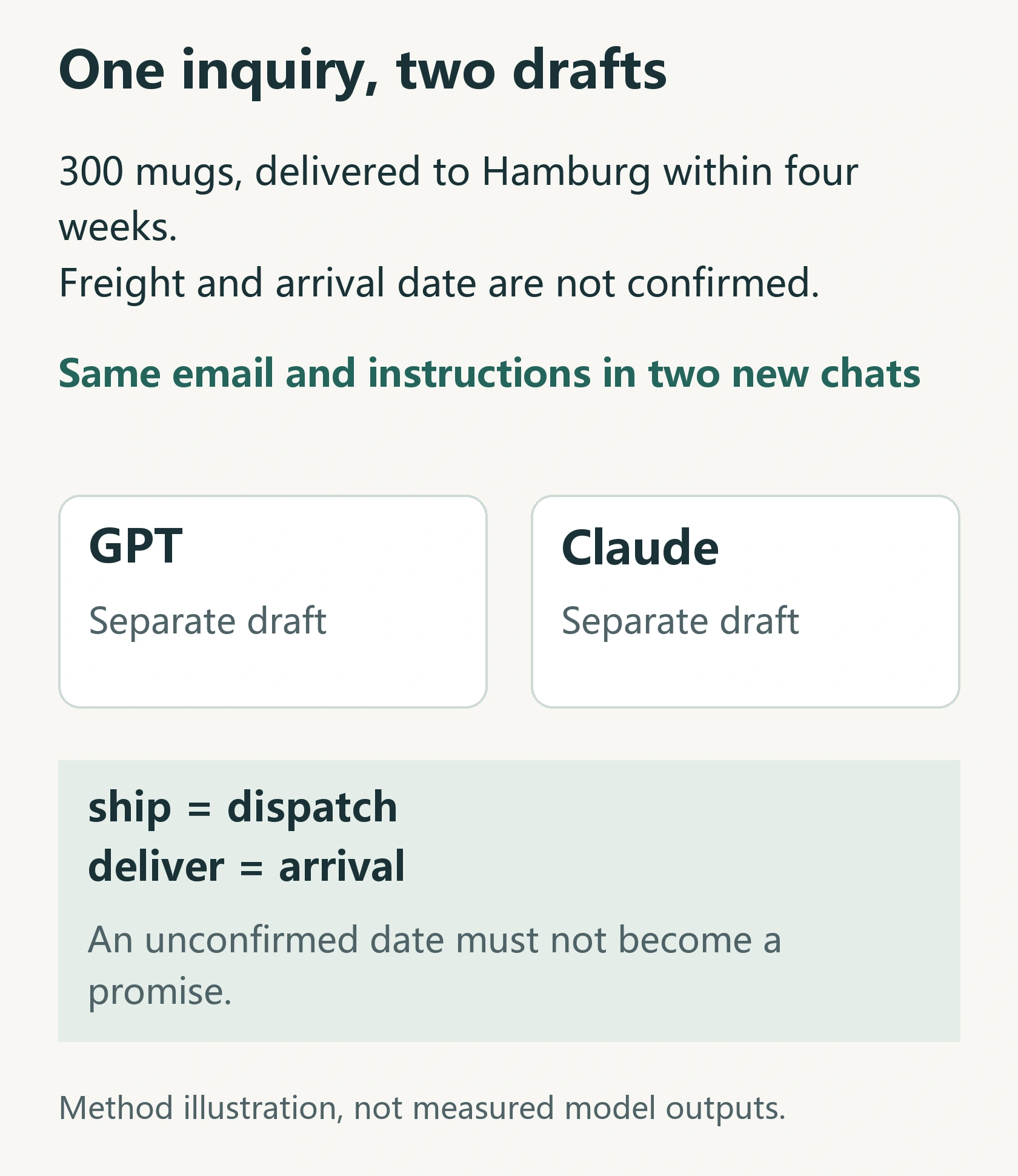
This illustrates a comparison method; it does not show measured model outputs.
Keep the chat and the original quotation together
Sign in to the same JuheNext account on your computer to continue a draft started on your phone. Once the forwarder replies, add the freight charge and estimated arrival date. Keeping the buyer’s request, final reply, and quotation together makes a handover easier than a collection of chat screenshots.
In Settings → Storage → Conversation storage, search by title, select the relevant chats, and choose Export selected. Markdown is convenient to read; JSON is useful for processing. You can include both. Select Include attachments, images, and videos to keep saved, available original files in the ZIP. Other answer versions within a conversation can be included too. Separate forked conversations must be selected separately.
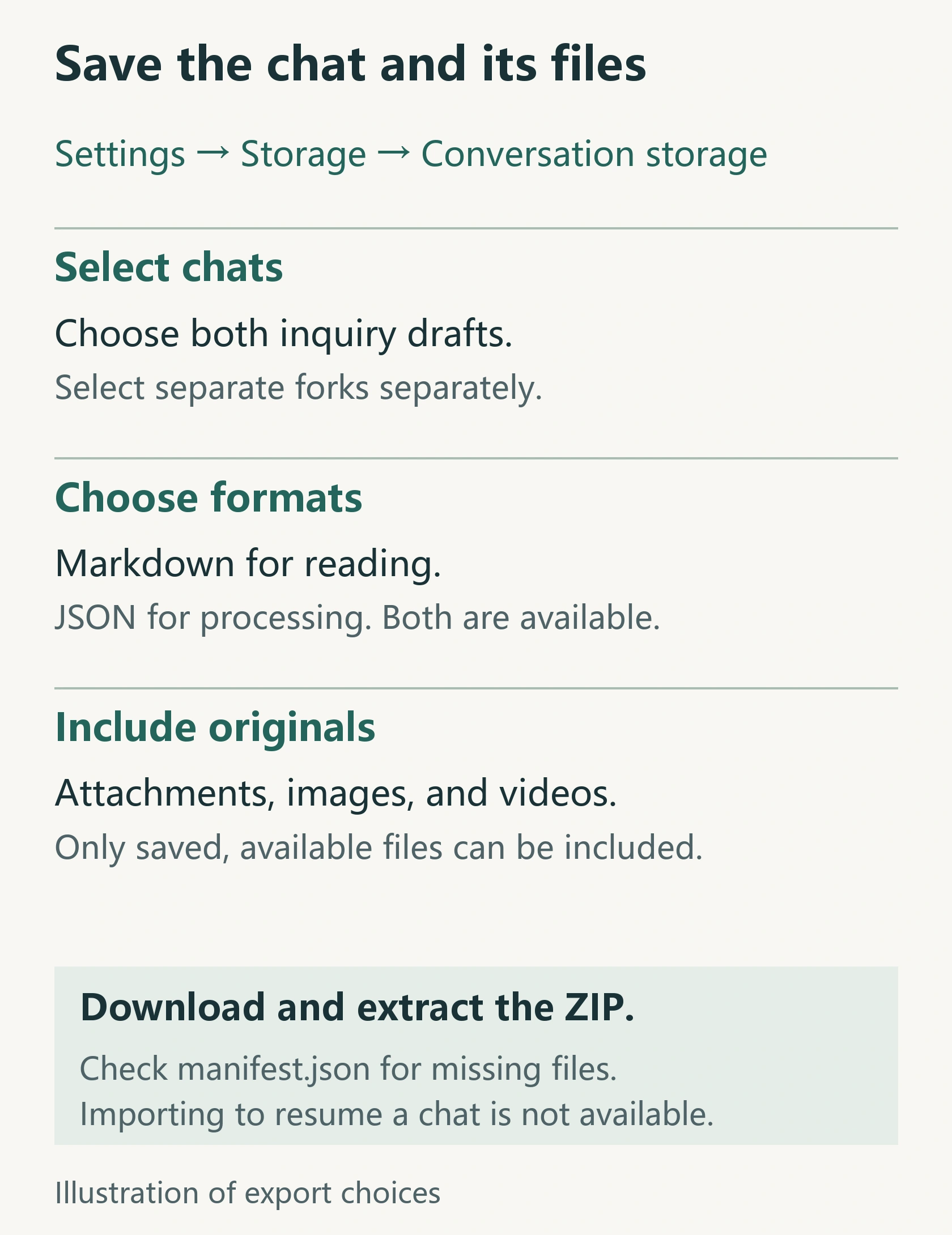
Illustration of export choices, not a production-account export screenshot.
The export runs in the background, so you can close the page and return to download it. It does not use model credit. The archive’s manifest.json identifies missing resources; deleted or expired files cannot be recreated by exporting. The ZIP can be read, saved, and shared locally. JuheNext does not currently offer a way to import it as a conversation you can resume.
Material in a personal ChatGPT account needs a separate export through Data Controls or the OpenAI Privacy Portal. Export permissions differ for personal accounts and managed workspaces, and an export cannot restore deleted chats. OpenAI’s data export guide
Open the downloaded files and confirm that the buyer’s request, final reply, and quotation are present before filing them under the customer’s name. When a colleague later asks whether you promised dispatch or arrival, the original record is there to check.