Multi-Model Chat
Switch between models available to your Key and continue in the same conversation.
 JuheNext
One Workspace for Everyday AI
Bring model choice, document and image conversations, web search, creative tools, and conversation history into one workspace. Sign in, add a JuheNext Key, and start with the model that fits your task.
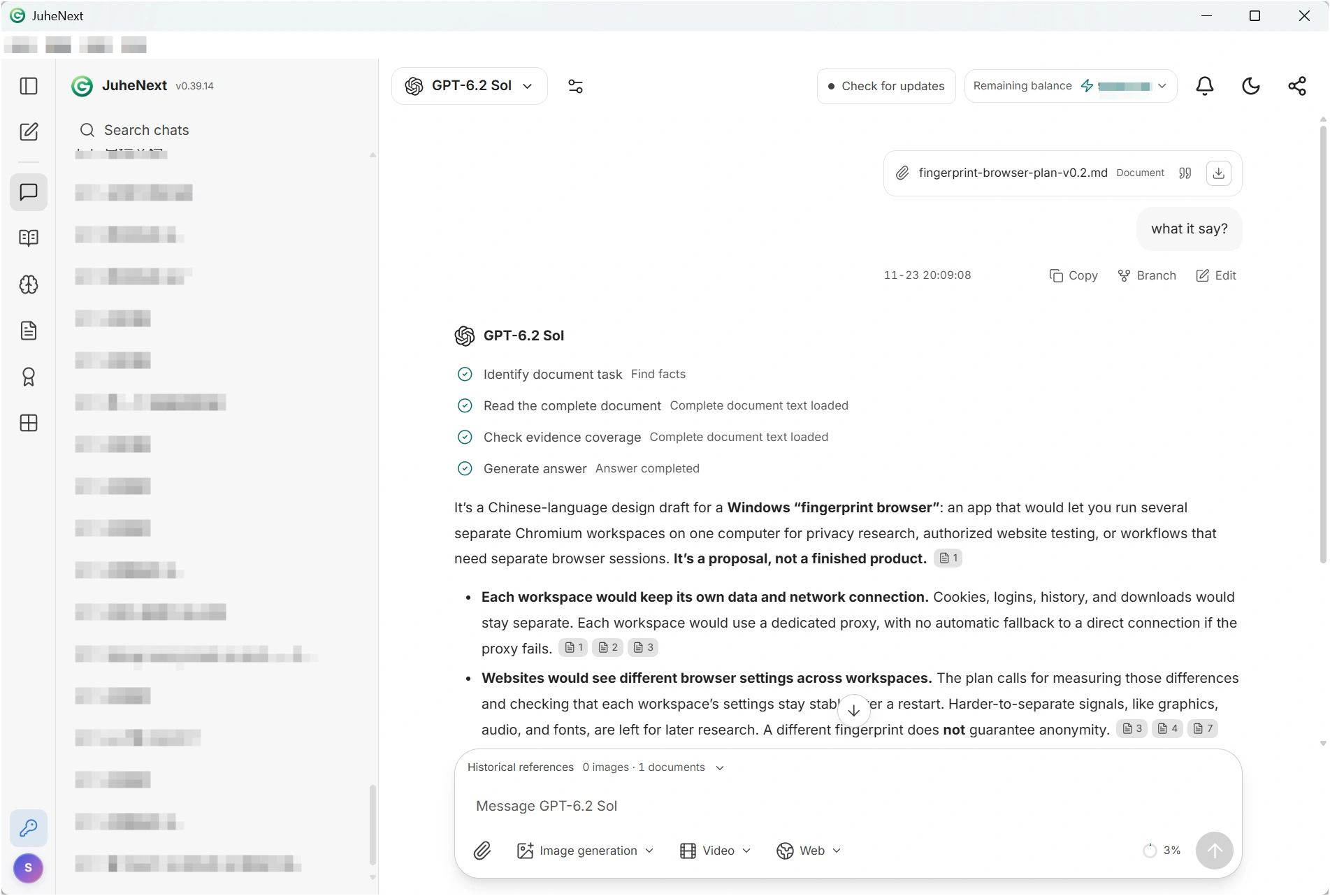
JuheNext Agent
Choose a model, work with information, and create content in one connected workflow.
Switch between models available to your Key and continue in the same conversation.
Upload material to summarize, compare, or analyze, then check cited passages in context.
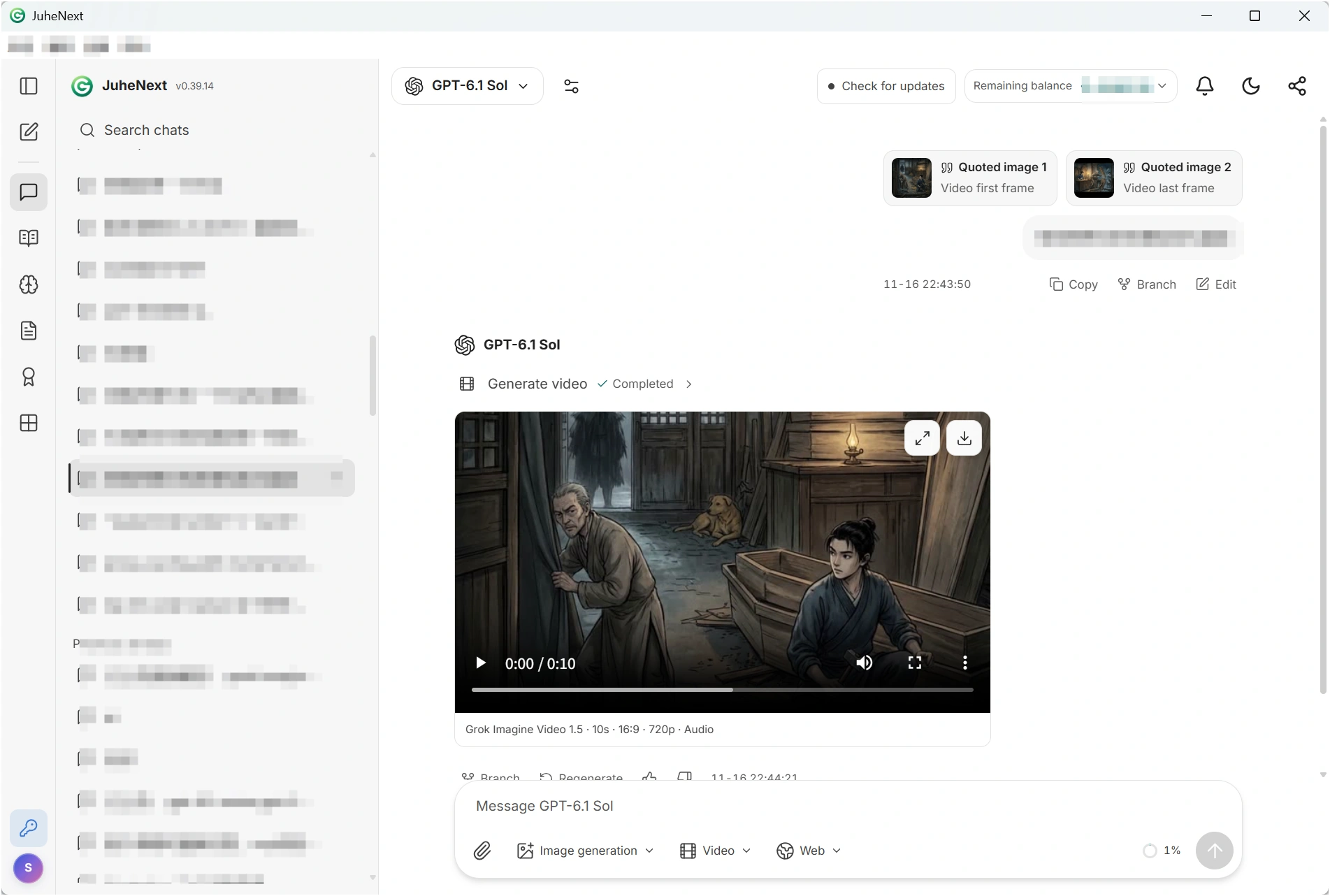
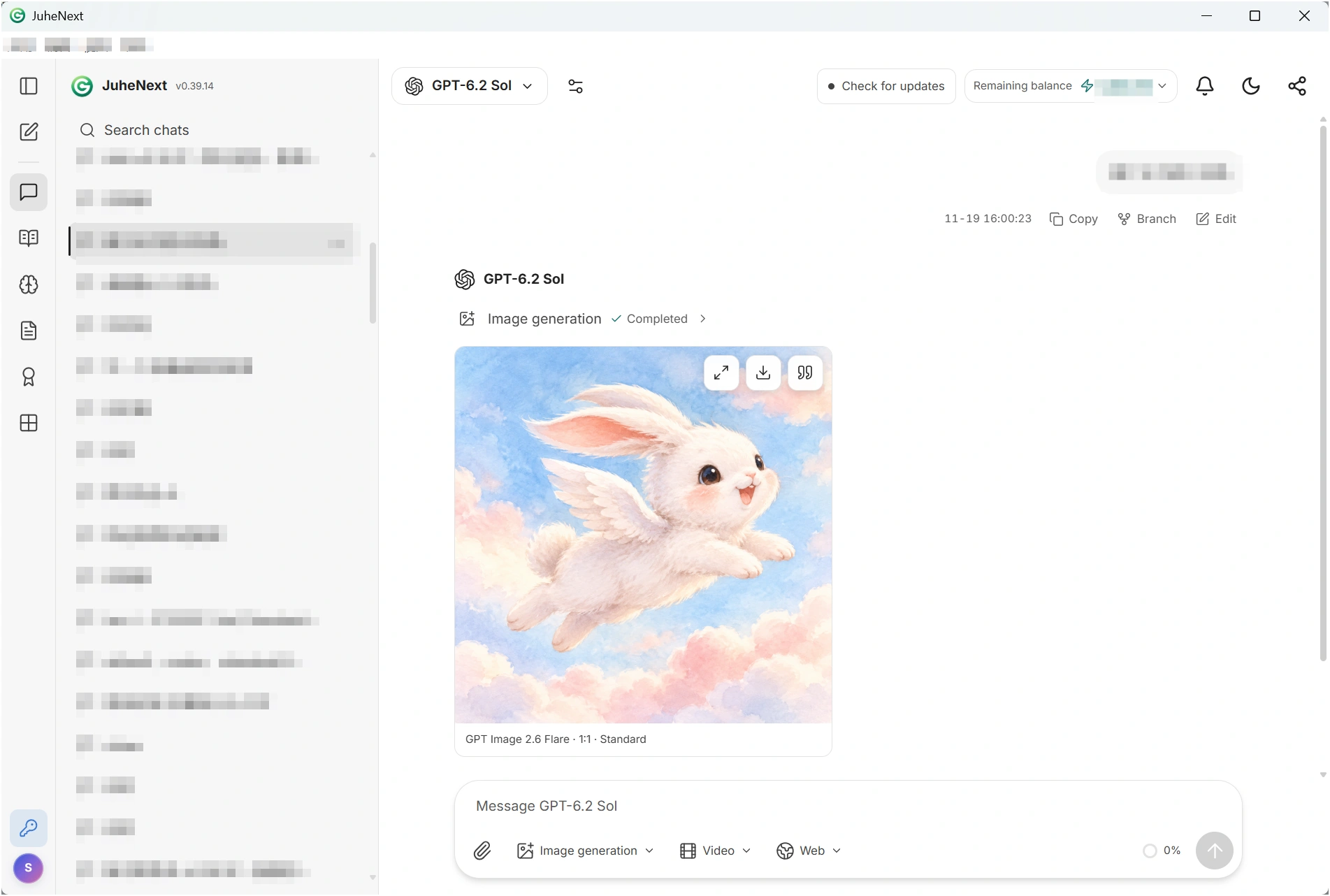
Generate or revise images and create videos in chat, then find saved results in My Files.
Turn on search for recent information and review the web sources in answers.
Manage long-term memory, search and archive conversations, and export your work.
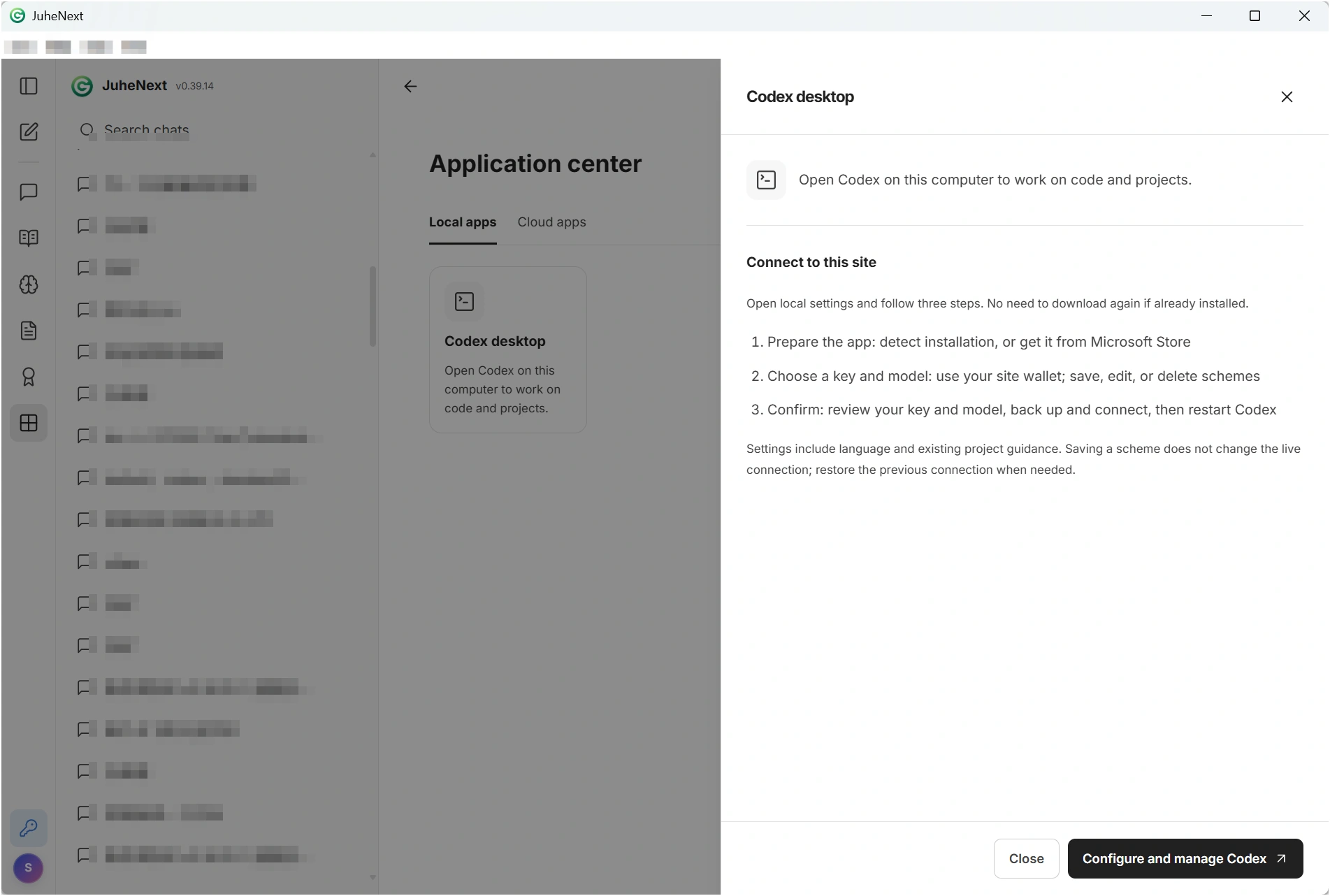
Connect Codex in the ChatGPT desktop app through the JuheNext Windows client wizard.
Work and Study
Add a report, course material, or image to a conversation. Ask for a summary, then compare, explain, extract, or rewrite around your goal. Follow-up work stays in the same conversation.
Creative Work
Start image or video generation in chat, adjust settings such as aspect ratio and resolution where supported, then preview, download, or reference the result in another turn.
Desktop Workflow
The JuheNext Windows client includes a connection wizard for Codex in the ChatGPT desktop app. Choose a Key and an available model; the wizard backs up and applies the settings. Restart Codex to use the connection.
Pricing and Usage
Top up a JuheNext Key, then pay for actual model usage. There is no monthly charge, and unused balance does not expire. Model rates vary, so review the live catalog and pricing page before choosing a model.
Get Started
Go to JuheNext Agent and sign in to your personal workspace.
Add an existing Key in the wallet, or visit Pricing to top up as needed.
Select a model available to your Key, enter a question, or attach material to begin.
Do not submit passwords, payment data, or other sensitive information. Prompts and attachments are sent to the selected model provider as part of the service.
Start with one question and bring Agent into your everyday work from there.
Try JuheNext Agent ↗